
Does Instagram Have Profile Views? What You Can (and Can’t) See
Does Instagram have profile views? No. There is no list of the people who looked at your profile, and there never has
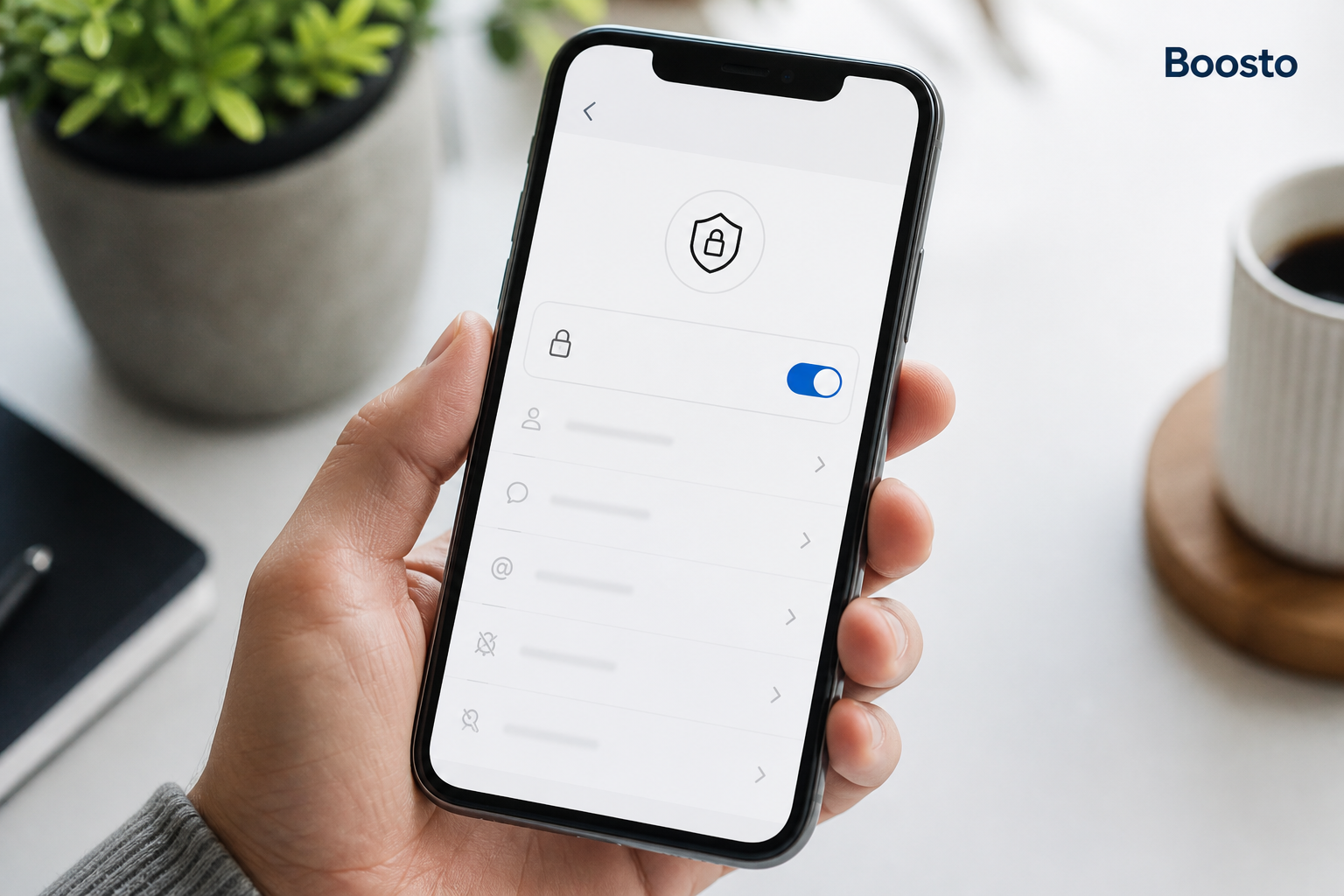
Searching for how to hide followers on Instagram usually turns up a dozen articles promising a magic toggle. There isn’t one, and finding that out early saves you a lot of wasted tapping through menus.
Here’s what you can do instead. You can control who sees your followers, who sees the accounts you follow, and who sees your posts at all. Set up properly, that covers most of what people worry about. A colleague from work. An ex. A competitor. A stranger who found you through a tagged photo.
This guide covers what Instagram allows, what it doesn’t, and which settings really do the job.
Table of Contents
ToggleThe app doesn’t offer a way to hide your follower count. It stays visible on your profile no matter what, including on a private account. There’s also no toggle that hides your follower list, or the list of accounts you follow, from everyone at once.
That’s annoying, and it’s worth saying plainly. Most of the frustration here comes from guides that describe a setting which doesn’t exist.
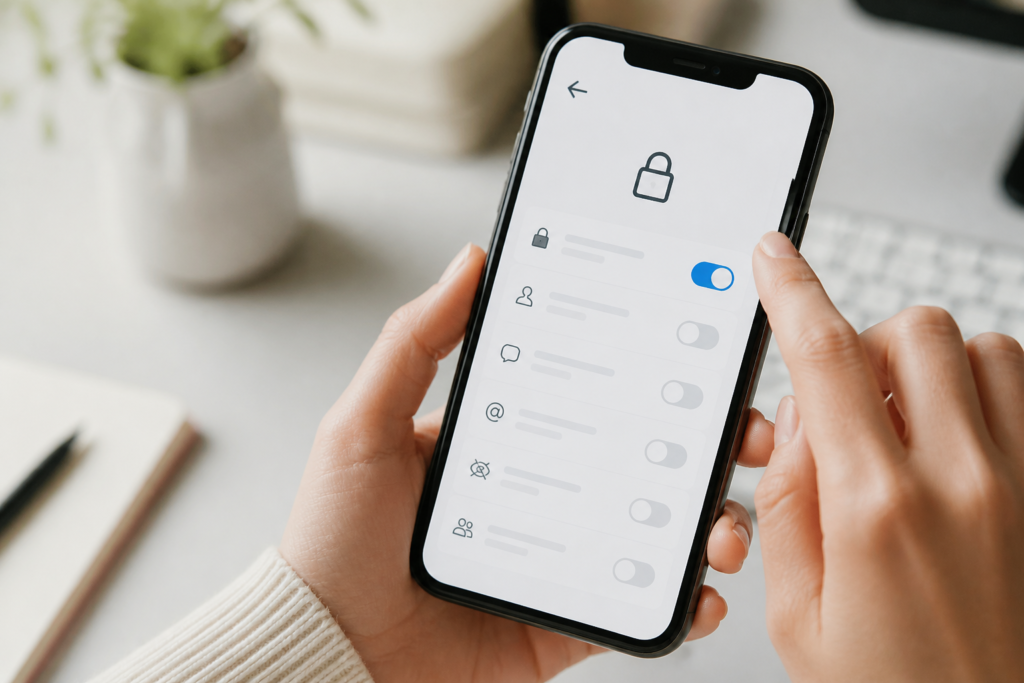
What you do get is one blunt tool with a lot of reach. It’s called a private account, and it changes more than most people realise.
Going private takes about twenty seconds.
From that moment, only people you’ve approved can see your posts, your followers and the accounts you follow. Anyone else sees your name, your username, your photo, your bio and your follower count. Everything else is behind the request button.
The app’s own guidance is short. Its comparison of public and private accounts lists which parts of your profile stay visible. Its steps for making an account private cover both iOS and Android.
One limit catches people out. Everyone already following you can still see your list. Going private locks the door on new arrivals. It doesn’t clear the room.
Check this table before you switch. A private account trades reach for privacy.
Item on your profile | Public account | Private account
|
Your posts, Reels and tagged photos | Anyone | Approved followers only |
Your followers list | Anyone on Instagram | Approved followers only |
Your following list | Anyone on Instagram | Approved followers only |
Your follower count | Anyone | Anyone |
Name, username, profile photo and bio | Anyone | Anyone |
Appearance in Explore, hashtags and search | Yes | No |
Downloads, remixing and embedding of your content | Allowed | Turned off |
Two rows in that table surprise people. The follower count never hides, and neither does your bio. If your bio names your employer or your town, going private won’t hide that.
The last row is the one businesses feel. A private account doesn’t show up in Explore or hashtag results. New customers stop finding you, and for a shop that’s usually too high a price.
Most people asking this question have one person in mind. Instagram handles that case well, just not through a privacy toggle.
Action | Hides your follower list from them? | Notifies them? | Can you undo it?
|
Remove follower | Yes, on a private account | No | Yes, they can request again |
Block | Yes, along with everything else | No | Yes, from Settings |
Restrict | No | No | Yes |
Mute | No | No | Yes |
Removing a follower is the quiet option. Go to your followers list, tap Remove next to their name, and they lose access with no alert. On a private account, they’d need your approval to come back.
Blocking is the thorough option. They lose sight of your profile, your posts and both lists. They also can’t find you in search.
Two things don’t work, despite what you may have read. Restricting someone only changes how their comments and messages show up for you. Muting only changes what you see. Neither hides anything from them. If your goal is privacy rather than peace, those two won’t help.
Many searches about hiding followers are really about the other list. People don’t want their following list on show, because it can reveal a job hunt, a new hobby or a relationship.
The answer is the same, and the same tool solves it. A private account hides your following list from anyone who doesn’t follow you. There’s no separate setting, and no way to hide it from your approved followers.
If you want the list hidden while your account stays public, that mix isn’t on offer. The app treats the two lists as a pair, and one switch controls both.

Once you accept the limits, there’s a decent set of controls that do work. They’re worth five minutes.
Setting | Where it lives | What it does
|
Hide Story from specific people | Story privacy | Excludes chosen accounts from your Stories only |
Close Friends list | Story privacy | Shares a Story with a hand-picked group |
Turn off activity status | Settings and privacy, Messages | Hides when you were last active |
Hide like and view counts | Post options before sharing | Stops counts showing on your own posts |
Limit who can comment | Comment settings | Restricts comments to followers or specific groups |
Story replies and mentions | Story controls | Decides who can reply and who can tag you |
Taken together, these cover most of the real worry. Someone who can’t see your Stories, doesn’t know when you’re online and can’t comment on your posts has very little access to your life. They can still see that you have 1,840 followers, and that’s about it.
This one stops people cold. Business and creator accounts cannot be set to private. Instagram wants the opposite from them, because a professional account exists to be found.
Your options come down to two.
Switch to a personal account, then go private. You keep your photos and followers, and you lose scheduling tools, analytics and shop features.
Or stay professional and accept that your lists are public. Most businesses land here, because being found matters more than hiding who you follow.
If visibility is the goal rather than privacy, the trade reverses completely. Some businesses boost the numbers that new visitors see first, and you can buy Instagram views through Boosto for exactly that reason. For a fuller picture of what the account looks like to a first-time visitor, buy Instagram followers lifts the count that everyone can still see, private or not.
Skip these. Every app and website that claims to hide your Instagram followers is either collecting your login details, running you through a survey, or both. No outside app can change who sees your profile.
The app’s own guidance on third-party apps is blunt about the risk. If an app asks for your password, it can do everything you can do. That includes locking you out of your own account.
The settings above are free, take minutes, and don’t need you to hand your login to anyone.
For a clear walkthrough of what going private actually looks like in the app, this short official clip is a good starting point:
No. The follower count stays visible on both public and private accounts. It’s the one profile number Instagram never lets you hide. If the count is what bothers you, the closest you’ll get is changing what people see around it, such as your bio and your pinned posts.
Yes, if your account is private. Removing someone quietly ends their access, and they can’t see your posts, followers or following list unless you approve a new request. If your account is public, they can still see your lists, so removing them achieves less.
No. Restricting only affects how their comments and messages behave. They can still see your profile and your lists exactly as before.
Not fully. A public account keeps both lists visible to anyone. The only way to hide them is the private account switch, which also removes you from Explore and hashtag results.
You’re almost certainly on a business or creator account. Neither can be made private. Switch to a personal account in Settings and privacy, then Account type and tools. The option then appears.
They grow more slowly, because people can’t find you through Explore or hashtags. What they often get is a higher share of real followers, since everyone who follows had to ask. For a personal account, that’s a fair trade.
Knowing how to hide followers on Instagram comes down to one honest answer and a few useful settings. Instagram won’t hide your follower count, and there’s no toggle for your lists. What it will do is limit your posts, your followers and your following list to approved accounts. It also gives you quiet, precise tools for handling one specific person.
Sort out which problem you actually have before you change anything. If it’s one person, removing or blocking them solves it without touching your reach. If it’s everyone, a private account is the tool, and it’s free.
If what you really want is to be seen by more people rather than fewer, that’s a different job, and a solvable one. The team behind Boosto works on Instagram growth with UK creators and small businesses. We’ll tell you honestly which numbers are worth moving first.

Does Instagram have profile views? No. There is no list of the people who looked at your profile, and there never has
Learning how to go live on TikTok is one of the fastest ways to turn a quiet account into a conversation. Live
TikTok monetisation thresholds explained: 10,000 followers for Creator Rewards, 1,000 for LIVE, and no set minimum for brand deals.