How to Go Live on TikTok: Requirements, Setup and First-Stream Tips
Learning how to go live on TikTok is one of the fastest ways to turn a quiet account into a conversation. Live

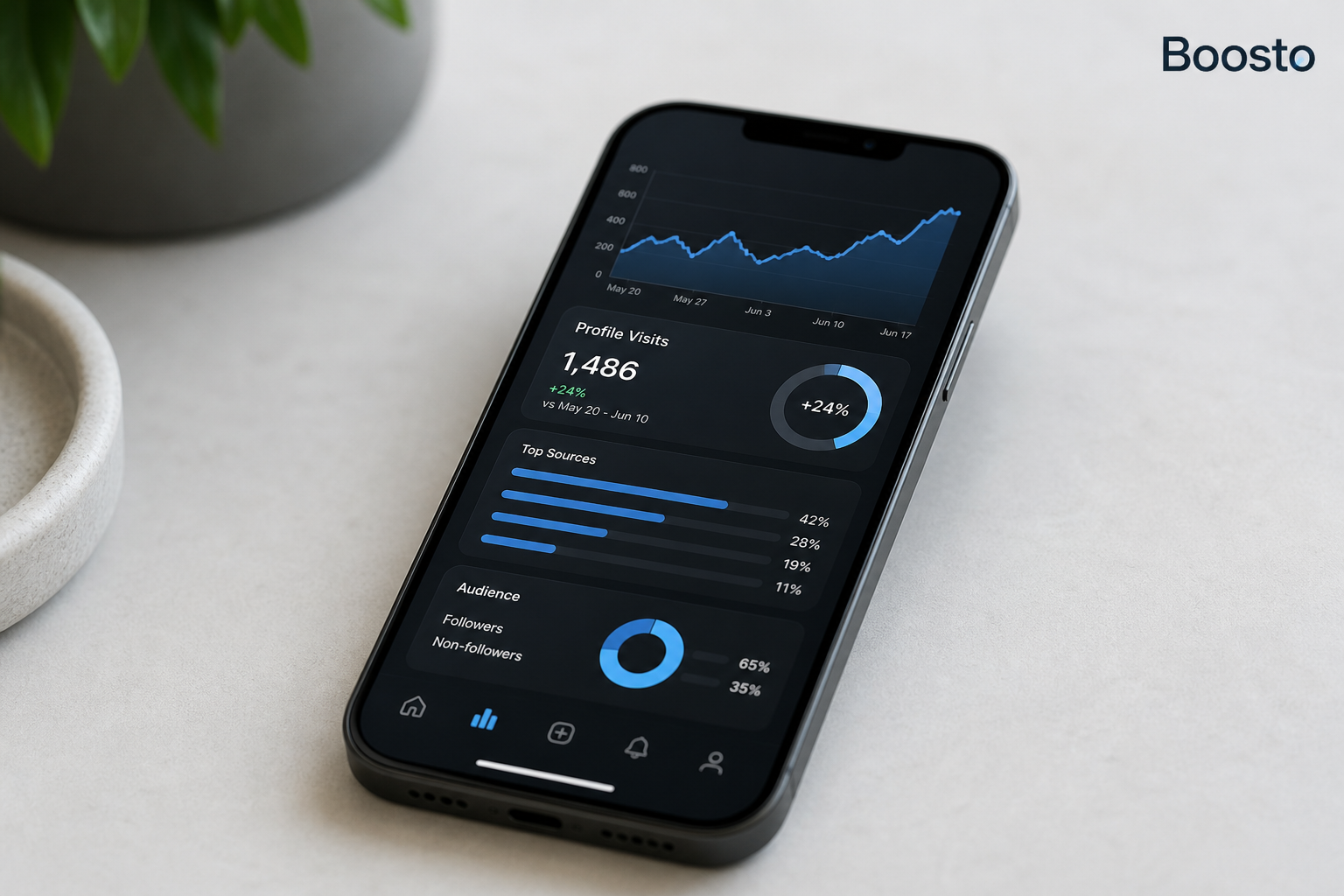
Does Instagram have profile views? No. There is no list of the people who looked at your profile, and there never has been. Browsing someone’s profile is the one thing on Instagram you can do without leaving a trace.
The confusion comes from a different number. If you’re on a professional account, your Insights include a metric called profile visits. The name makes it sound like the thing you were searching for. It isn’t. It’s a total, not a list of names.
Here’s what each of those numbers actually means, and what’s worth tracking instead.
You cannot see who viewed your Instagram profile. Not on a personal account, not on a creator account, and not on a business account. The app doesn’t keep that data in any form you can reach.
The reverse is also true, and this is the part people find reassuring. Nobody is notified when you look at their profile. You can scroll through an old friend’s grid at two in the morning and they will never know.
What the app does track is how many times your profile was visited. That’s a count with no guest list, and only some accounts can see it.
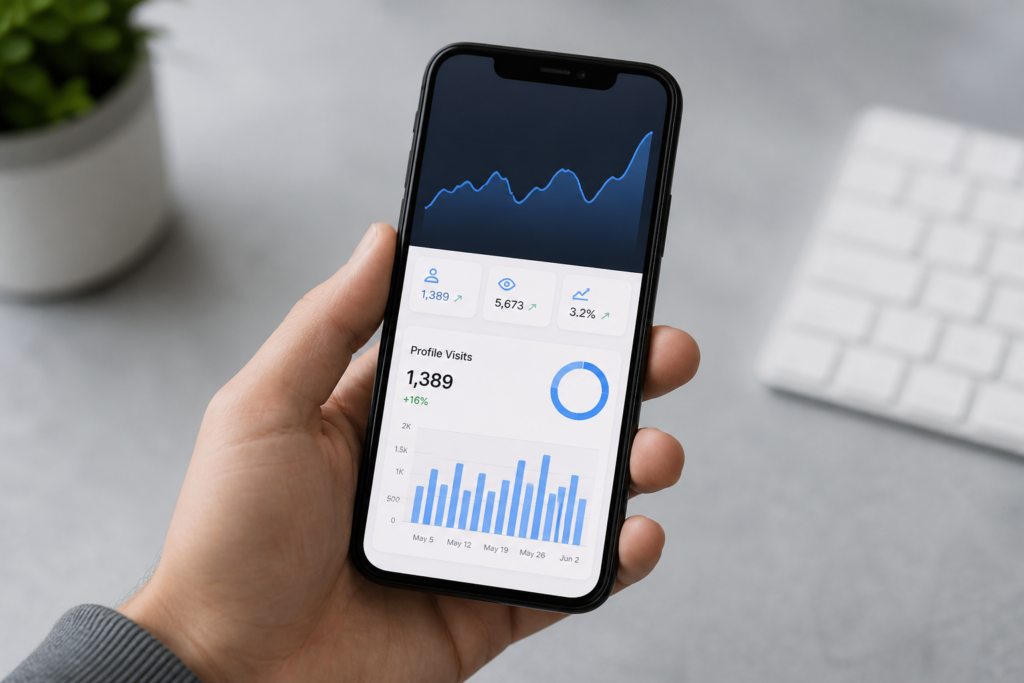
Switch to a business or creator account and your Insights gain a metric called profile visits. It tells you how many times people opened your profile during a chosen period, usually the last 30 days. You also get a comparison with the period before.
It’s a useful number and an easy one to misread. Meta’s own developer notes define it plainly as the number of times your profile was visited. It’s a total, with no names attached, at any account level.
Personal accounts don’t get it at all. If you’ve never seen profile visits in your app, that’s why. Switching account type is free and takes about a minute.
One more thing worth knowing. The count includes everyone, whether they followed you or not. A big number with few new followers tells you something about your profile rather than your content.
The app does show named viewers in some places, just not on profiles. Here’s the full list.
That’s everything. There is no other spot in the app where a viewer’s name turns up.
Surface | What you see | Who can see it
|
Your profile visits | A total count of profile opens | Professional accounts only |
Post and Reel views | A total count of plays | Everyone |
Story viewers | Named list of accounts that watched | Everyone, for the life of the Story |
Likes and comments | Named, public by default | Everyone |
Direct messages | A “seen” marker | Both people in the conversation |
Profile browsing | Nothing at all | Nobody |
That fourth row is where named viewers really do exist. If you want to know who’s paying attention to you, Stories are the answer.
Stories also expire, which is why many creators use them for this. The viewer list shows while the Story is live, then it’s gone.
There’s a reason this works the way it does. It’s the same on every surface Instagram has built.
Named viewing exists where there’s an action, such as watching a Story, liking a post or sending a message. Silent browsing has no action to report, so Instagram treats it as private.
It’s also a safety call. A public viewer list would turn Instagram into a tracking tool. The people most affected would be those with the least choice about being found. LinkedIn shows you some of this. Instagram went the other way on purpose.
That’s the trade Instagram has made, and it’s a fair one.
If you’d rather not be counted in someone’s profile visits at all, the practical answer is that you can’t opt out. Visiting a profile adds to a number, and nothing more.
That kills off a certain kind of worry. Nobody keeps a log of your late-night scrolling, and nobody can bring it up later. The trade is that you don’t get to check on them either.
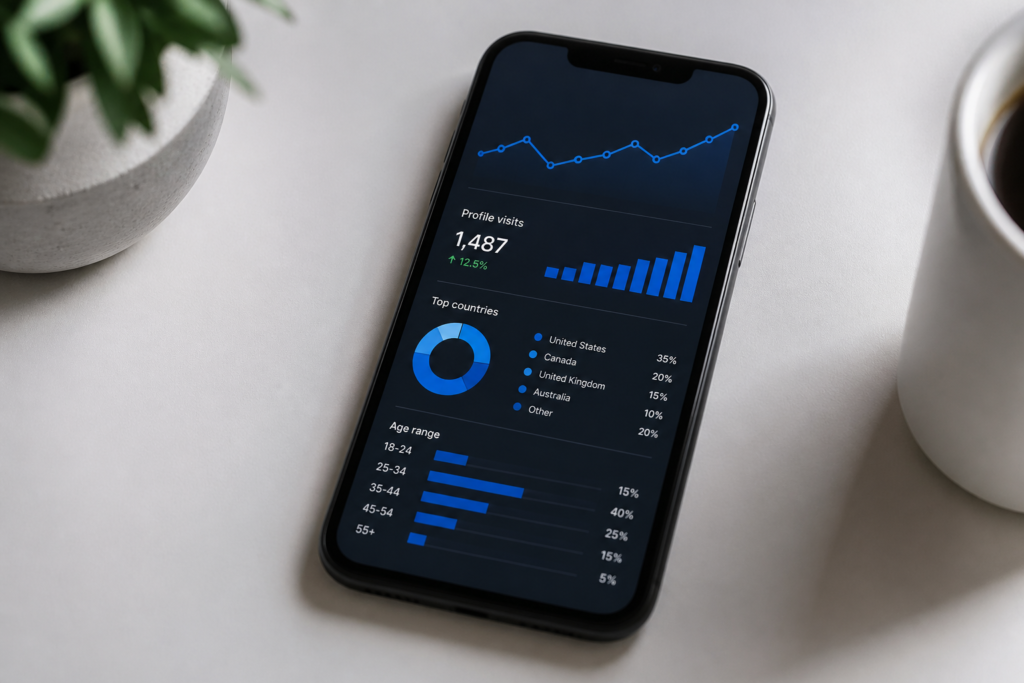
Every app, website and browser extension that promises to show your profile visitors is either harvesting login details, pushing surveys, or both. No API exposes profile visitors, so no real tool can show them.
The safest test takes five seconds. If a tool needs your password to show you something Instagram doesn’t have, close the tab.
Instagram’s guidance on third-party apps is direct about the risk. Anything you give your password to can do everything you can do, including locking you out.
The tell is in the pitch. An app claiming access to data Instagram doesn’t collect is either lying or stealing. Either way, your account pays for it.
The app hands you plenty of numbers that do lead somewhere. Once you stop looking for a viewer list, these are the ones that change decisions.
Metric | What it means | What to do about it
|
Accounts reached | How many people saw your content | If it drops, your reach formats need work |
Profile visits | How many wanted to know more | A high count with few follows points at your bio |
Follows | How many actually converted | Pair it with profile visits to find the weak step |
Saves and shares | Whether the content had value | Make more of whatever gets saved |
Watch time | Whether people finished | Shorten your openings |
The pairing that matters most is profile visits against follows. If a thousand people open your profile and nine follow, your content works and your profile doesn’t. If ninety follow, both work and the job is reach.
None of these require knowing who visited. They tell you where the leak is, which is far more useful than a name would be.
Check them once a month, not once a day. Daily numbers swing about on small samples and tell you very little. A monthly view shows the trend, and the trend should change what you post.
If reach is the number you want to lift, buy Instagram views through Boosto for the content people are finding, and a package of Instagram followers for the count everyone can see on your profile. Neither changes who can look you up, and neither pretends to.
No. It has no such feature for any account type. You can see how many people visited your profile if you have a professional account, but not who they were.
No. Profile views send no alert and leave no trace. You’ll only be visible if you like, comment, follow, or view their Story.
Profile visits is an Insights metric for business and creator accounts. It counts how many times people opened your profile during the selected period. It’s a total number without names.
You’re on a personal account. The metric is only available to professional accounts. Switching to a business or creator account is free, and it takes about a minute in your settings.
No. Instagram doesn’t collect the data they claim to show, so any app offering it is either fabricating results or trying to take your account. Avoid anything that asks for your password.
Not through Instagram. The only indirect signal is a Story view, since Stories do show a named viewer list while they’re live. Anything beyond that is guesswork.
The answer to whether Instagram has profile views is a straightforward no, and it’s unlikely to change. Silent browsing stays silent, which is better for most people than the alternative.
What you do get is a count. Profile visits tells you how many people were curious enough to open your profile, and pairing it with your follow count tells you whether the problem is your content or your bio. That’s more useful than a list of names, and any account can get it by switching to professional.
If you’d rather spend your time on the numbers that grow an account than on the ones that don’t exist, the team behind Boosto works with UK creators and small businesses on exactly that. Explore the Instagram growth services from Commerce SEO Agency and we’ll show you which metrics are worth moving first.

Learning how to go live on TikTok is one of the fastest ways to turn a quiet account into a conversation. Live

TikTok monetisation thresholds explained: 10,000 followers for Creator Rewards, 1,000 for LIVE, and no set minimum for brand deals.
