Does Instagram Have Profile Views? What You Can (and Can’t) See
Does Instagram have profile views? No. There is no list of the people who looked at your profile, and there never has

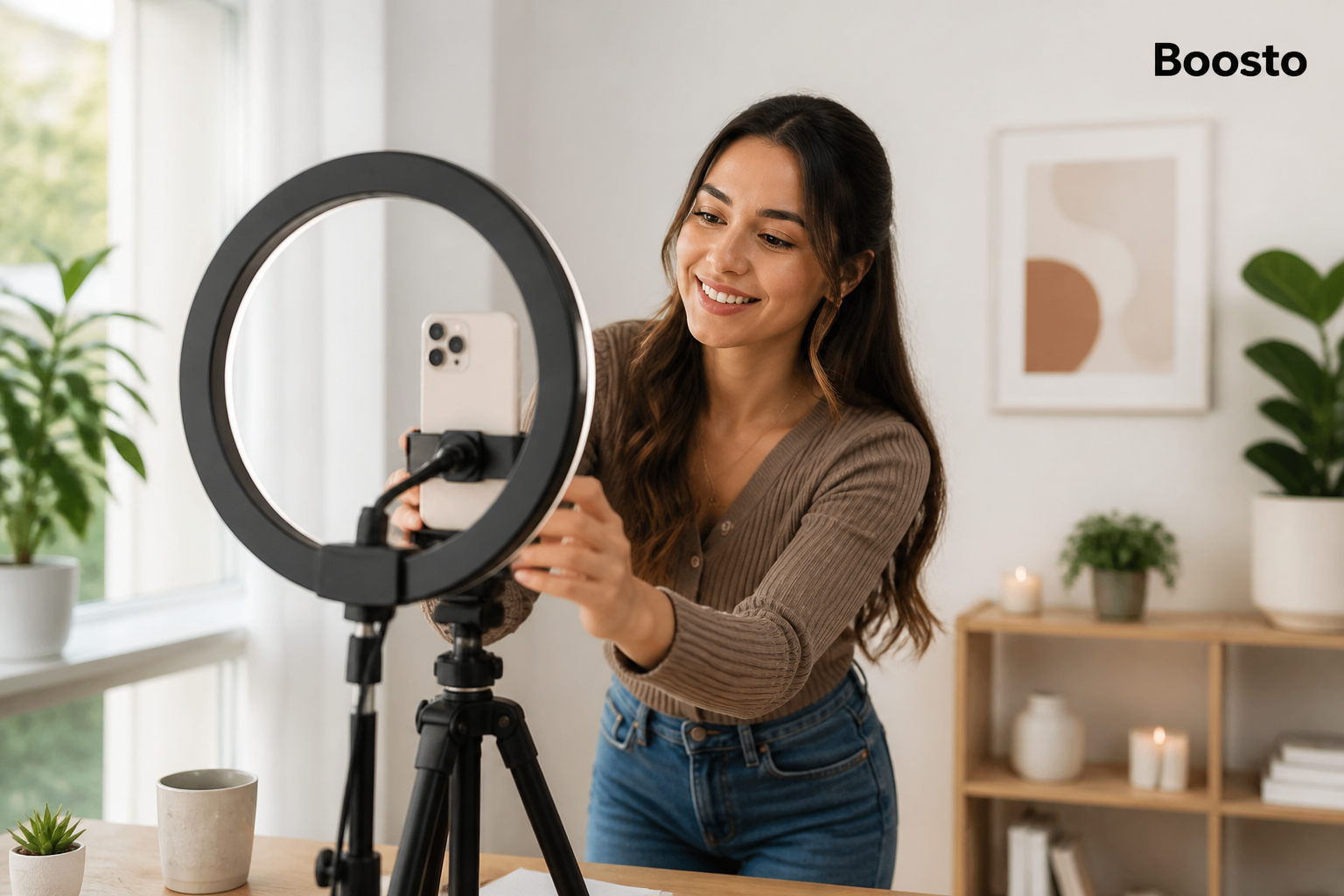
Learning how to go live on TikTok is one of the fastest ways to turn a quiet account into a conversation. Live puts you in front of people who can reply, ask questions and buy, all in the same minute.
Think about what a weekly stream would do for your shop or your channel. You would answer the questions that normally sit unanswered in your comments. You would show the product moving, not just sitting still in a photo. Regulars would start turning up by name.
This guide covers the rules, the setup, and the habits that keep people watching. You will finish knowing exactly what to do before your first stream and what to fix if the LIVE button never appeared in the first place.
Two rules decide whether you can stream. You need to be 18 or over, and you need at least 1,000 followers.
The age rule is not new, and it is not negotiable. TikTok raised the minimum age for hosting a LIVE from 16 to 18 on 23 November 2022. The company’s own announcement framed it as part of a wider push on safety for younger users. You can read TikTok’s announcement on live age requirements in full if you want the original wording.
The 1,000-follower gate is the one that stops most people. It applies on mobile and on desktop, and there is no setting that turns it off. A dated but detailed walkthrough of TikTok LIVE requirements covers the same thresholds and notes that the feature can take 24 to 48 hours to appear even after you cross the line.
One more thing sits on top of both rules. Your account has to be in good standing. If you have an active Community Guidelines strike, live access can be paused or removed entirely until it clears.
Requirement | The rule | What to do if you fall short
|
Age | 18 or over | Cannot be bypassed. Stream from a different account or wait |
Followers | 1,000 minimum | Grow organically, or top up the visible count |
Account standing | No active strikes | Appeal the strike, then wait for the all-clear |
App version | Up to date | Update and force-close the app |
Region | LIVE available locally | Check TikTok’s regional availability list |
Most people who search for how to go live on TikTok are already eligible. They just cannot find the button.
The single most common cause is an out-of-date app. TikTok ships the LIVE tab behind version checks, and an old build will hide it even when every other box is ticked. Update, force-close, and reopen before you conclude anything else.
The second cause is the follower count itself. Check the number on your profile rather than a third-party tracker, because trackers lag and sometimes count the wrong account. If you are sitting at 960 followers, you have your answer.
Here is the part most guides skip. The button does not always appear the second you hit 1,000. A short delay of a day or two is normal. If nothing has changed after 48 hours and your app is current, that is when it is worth reporting the problem through the app’s feedback form.
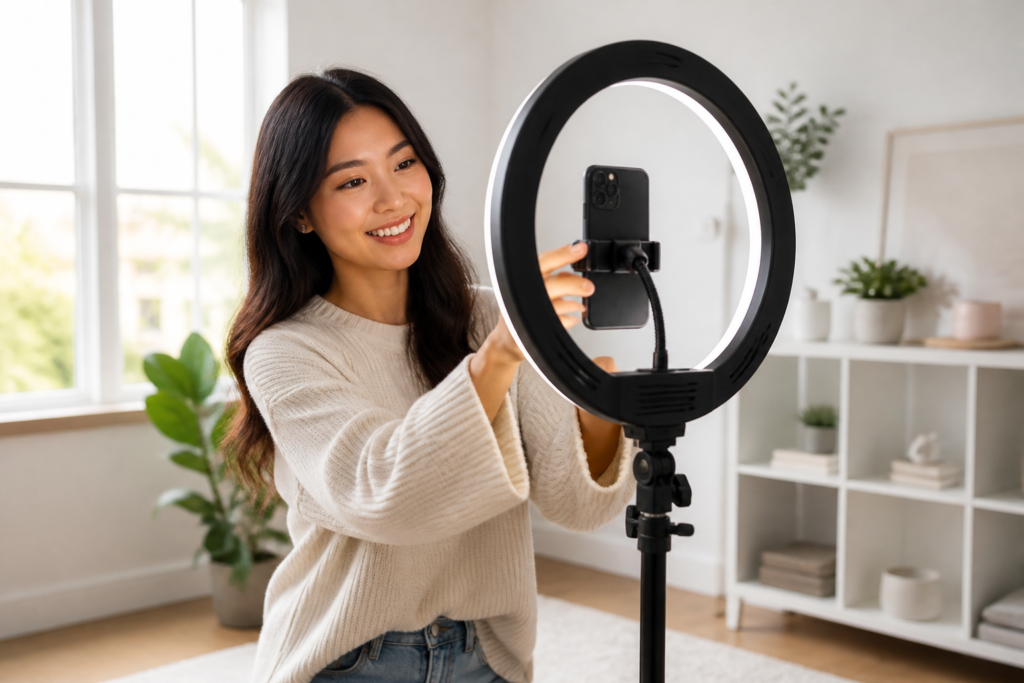
Open TikTok and tap the plus button at the bottom of the screen. Swipe across the modes until you reach LIVE. If you have never streamed, this is the point where the tab either appears or does not.
Add a title before you start. Keep it short and specific. “Sourdough questions, answered live” beats “come say hi” every time, because it tells a scrolling viewer what they are walking into.
Choose a cover image that shows a face or a product rather than a logo. Covers are small on a phone screen, and detail disappears at that size. Then pick a category so TikTok knows who to show your stream to.
Finally, decide your comment settings. You can filter keywords, add a moderator, and set who is allowed to comment. For a first stream in a business account, a moderator is worth having even if it is just a friend watching the comments while you talk.
Run this list once, ten minutes before you start. It takes two minutes and prevents most first-stream problems.
Check | Why it matters
|
Phone on charge and plugged in | Streaming drains a battery faster than video playback |
Wi-Fi tested, not assumed | A dropout mid-stream loses the room |
Notifications silenced | One incoming call ends the stream |
Title written and cover chosen | Both are visible before anyone commits to watching |
Lighting in front, not behind | Backlight turns you into a silhouette |
A first topic written down | The opening two minutes decide the rest |
A live stream lives or dies on the first thirty seconds. People tap in, decide in a few seconds whether there is a reason to stay, and leave without ceremony if there is not.
So open with the thing you promised in the title. If the title says sourdough questions, answer one immediately. Do not warm up, do not wait for the room to fill. The room fills because you started.
Talk to people by name when they arrive. It is the one advantage live has over every other format, and it costs nothing. A viewer who hears their own name is far more likely to still be there in five minutes.
Keep a rhythm of questions. “Where are you watching from?” is easy to answer and gets the comments moving, which tells TikTok the stream is worth showing to more people.
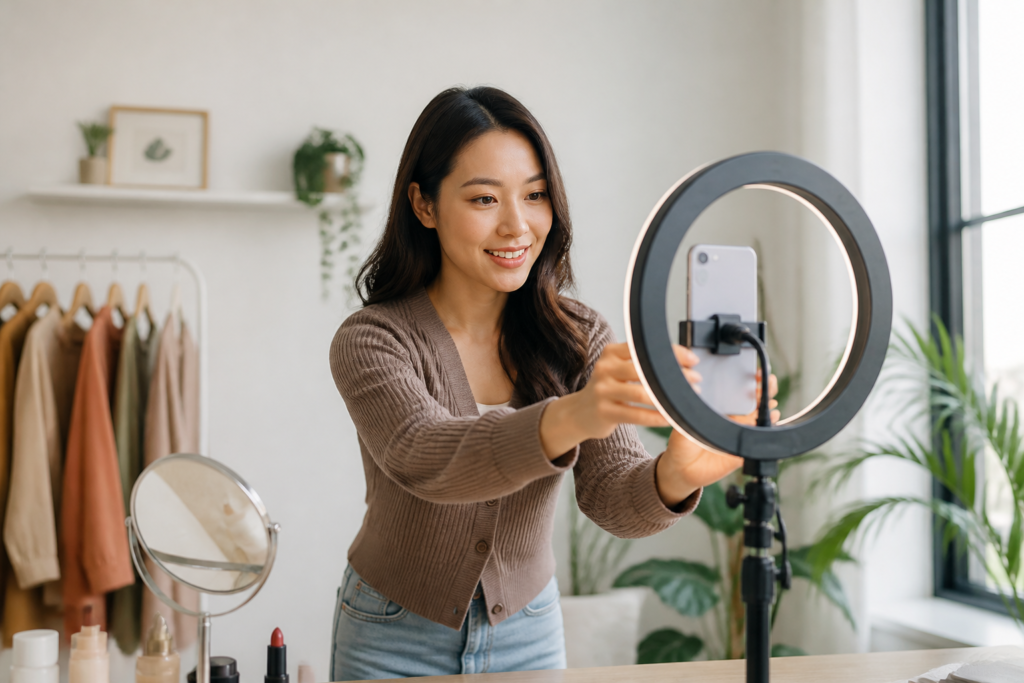
This walkthrough is a useful companion if you would rather watch the process than read it:
Viewers buy coins with real money, spend those coins on gifts, and those gifts convert into diamonds for you. Diamonds are the creator-side currency, and they are what eventually becomes a payout.
Two things are worth knowing before you plan around this. Diamonds are not money and cannot be bought or traded. And the amount you receive depends on more than the raw diamond count, because TikTok weighs factors including stream length and viewer engagement.
The practical version: gifts are a bonus for most UK sellers, not a business plan. If your goal is revenue, live selling beats live gifting, because a viewer who buys a product has given you a margin rather than a tip.
Going live once and judging the format on that result is the single most common mistake. Streams compound in the same way posts do, and the first few are practice.
Three weeks is enough to find out whether live suits you. Week one you learn the controls. Week two you learn what your audience asks. Week three you start answering those questions before they are asked.
Week | Streams | Length | What you are learning
|
1 | 2 | 20 minutes | Controls, comment tools, ending cleanly |
2 | 3 | 30 minutes | Which topics draw replies |
3 | 3 | 30 to 45 minutes | Which topics turn into sales or follows |
The schedule matters less than the fixed slot. Pick a time you can hold on your worst week, tell people what it is, and keep it.
If your follower count is the thing standing between you and the LIVE button, that gap is worth solving directly. You can buy TikTok followers through Boosto to clear the threshold, then use the streams themselves to build an audience that actually turns up.
Some streamers top up their numbers before a big live, and it is worth being clear about what that does. A higher visible viewer count changes how a newcomer reads the room, and it removes the awkwardness of an empty first broadcast.
What it does not do is give you people who will reply, buy or come back. Bought viewers watch a metric, not a stream. The content and the schedule still do that work. If you use paid options, read TikTok’s terms yourself and decide, because following them is your responsibility as the buyer.
1,000. The rule applies on mobile and desktop, and there is no official way around it. The LIVE tab usually appears within 24 to 48 hours of crossing the threshold.
Check your app version first, because an out-of-date build hides the LIVE tab even for eligible accounts. Then confirm your account has no active Community Guidelines strike. If both are clear and 48 hours have passed, report it through the app’s feedback form.
Twenty minutes is plenty. The goal of a first stream is to learn the controls, not to build an audience. Length is easier to add than confidence.
No. A phone, a stable internet connection and light on your face are enough. A ring light and a tripod help, but they are refinements rather than requirements.
Yes. TikTok Studio and LIVE Studio both support desktop streaming, and the same follower and age rules apply. A stream key lets you use broadcasting software if you want overlays.
You now know how to go live on TikTok, and the path is shorter than it looks. Clear the age and follower rules, update the app, prepare a title you can actually deliver on, and show up on a schedule you can hold.
The first stream will be quiet. The fifth will not be. Live rewards the people who treat it as a weekly habit rather than a launch event, and that is a much easier thing to commit to than it sounds.
If you would rather clear the 1,000-follower gate sooner so you can start streaming this month, talk to the team at Boosto about TikTok followers and views. We will tell you plainly what a bought number can and cannot do before you spend anything.

Does Instagram have profile views? No. There is no list of the people who looked at your profile, and there never has

TikTok monetisation thresholds explained: 10,000 followers for Creator Rewards, 1,000 for LIVE, and no set minimum for brand deals.
